


Reliable TV Repair in Abu Dhabi: Fast & Affordable LED/OLED Fixing
Is your television screen flickering, showing lines, or refusing to turn on right in the middle of your favorite show? Dealing with a broken TV can be incredibly frustrating. Fortunately, you don’t need to rush out and spend thousands on a brand-new screen.Tv repair Abu Dhabi |
When looking for professional TV repair in Abu Dhabi, you need a service that is quick, affordable, and highly reliable. Whether you own a massive 4K OLED display or a standard bedroom LED TV, expert technicians across the UAE capital can restore your entertainment system to pristine condition.
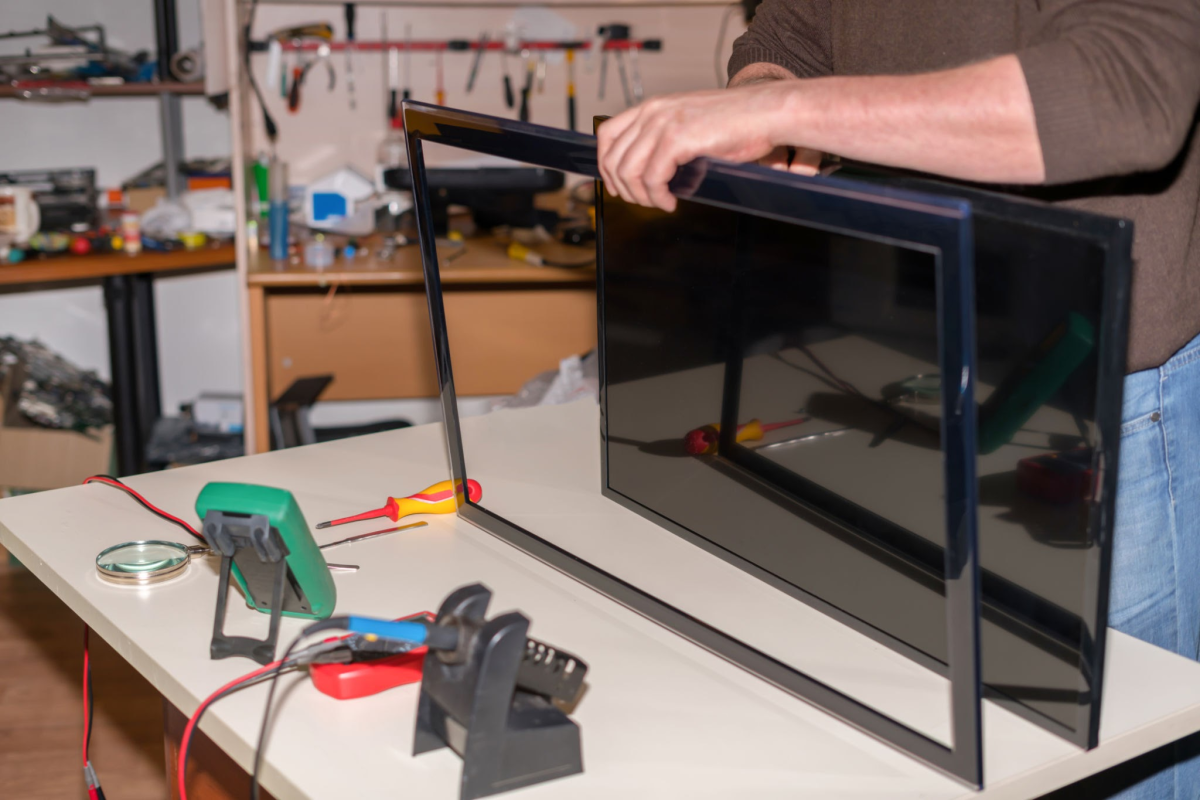
Common Television Issues We Fix
Modern smart TVs are complex pieces of hardware. A single faulty capacitor or a degraded backlight strip can disrupt your entire viewing experience. Specialized tech teams commonly resolve the following issues:
- No Power / Won’t Turn On: Usually caused by a blown fuse or a faulty power supply board inside the unit.
- Screen Flickering or Vertical Lines: This often points to loose internal T-Con board connections or a damaged LCD/LED display panel.
- Audio But No Video (Black Screen): A classic symptom of failed LED backlights. The TV works, but the light source illuminating the picture has burned out.
- Wi-Fi & Smart App Connectivity Problems: Often fixed via internal software updates, motherboard reflows, or replacing the internal Wi-Fi module.
Supported Major TV Brands in Abu Dhabi
You shouldn’t trust your premium electronics to just anyone. Experienced repair centers handle all major international brands using genuine replacement parts:
| Brand | Common Technologies Repaired |
| Samsung | QLED, Neo QLED, Crystal UHD, Smart Hub Motherboards |
| LG | OLED, NanoCell, webOS Power Boards, Backlight Arrays |
| Sony | Bravia XR, LED, Audio-to-Screen Syncing Components |
| TCL / Hisense | Budget LED Backlights, Roku/Android TV Main Boards |
Why Choose Professional At-Home TV Repair?
Save Money & Time: Repairing a television typically costs a fraction of buying a new one, keeping electronics out of landfills while protecting your wallet.
1. Convenient Home Service Across Abu Dhabi
You don’t have to worry about carefully packing a fragile 65-inch television into your car. Top-rated repair teams offer doorstep TV inspection and repair services across all major areas, including downtown Abu Dhabi, Khalifa City, Yas Island, Al Reem Island, and Mussafah.
2. Certified & Experienced Technicians
Experienced technicians use specialized diagnostic tools (like multimeters and oscilloscopes) to pinpoint exact electrical faults. This prevents unnecessary parts replacements and keeps the service transparent.
3. Warranty on Parts and Labor
Reputable maintenance companies offer a dedicated warranty period (typically 3 to 6 months) on any replaced components, giving you complete peace of mind that the fix will last.
Schedule Your Diagnostic Inspection Today
Don’t let a broken screen disrupt your weekends. Get your television diagnosed by the best experts in the UAE.
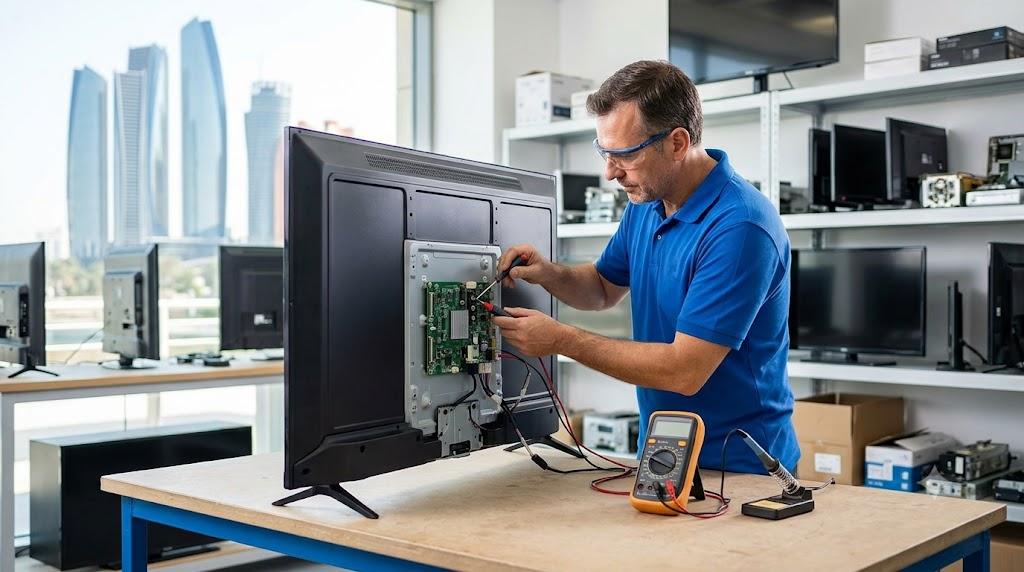
In Abu Dhabi, the average cost for these repairs varies depending primarily on the brand, technology (LED vs. OLED), and screen size of your television.
An overview of estimated service pricing reflects the following market rates:
1. Motherboard Repair
- Average Cost: AED 300 – AED 500
- Note: Minor component repairs (like fixing a single blown capacitor or corrupted firmware chip on the board) will sit at the lower end. Completely replacing the main board for a premium 65+ inch Samsung or LG smart TV can drive costs higher.
2. LED TV Backlight Replacement
- Average Cost: AED 250 – AED 600+ (Highly dependent on the model)
- Note: Standard repair shops often price this based heavily on screen size. While raw backlight strip parts can be relatively inexpensive (around AED 150), the labor requires a technician to completely strip down the fragile display layers, making up a significant portion of the cost.
Estimated Cost Breakdown
| Repair Type | Price Range (AED) | Service Duration |
| Motherboard Repair | AED 300 – AED 500 | 24 – 48 Hours |
| Backlight Replacement | AED 250 – AED 600+ | 24 – 48 Hours |
| Diagnostic/Inspection Fee | Usually FREE if you proceed with the repair | Same-day |
Pro-Tips Before You Book:
- Ask for a Home Inspection: Many top-rated service centers across areas like Mussafah, MBZ City, and downtown Abu Dhabi offer doorstep inspection.
- Confirm the Warranty: Reputable local repair shops will offer a 90-day to 6-month warranty on parts and labor. Always ask if the quote includes genuine manufacturer parts.
Here is a continuation to expand your blog post, keeping the tone consistent and adding highly relevant information for readers in Abu Dhabi:
Simple Steps to Book Your TV Repair Service
Getting your television fixed shouldn’t feel like a hassle. The process is designed to be completely stress-free:
- Get in Touch: Give us a call or send a WhatsApp message with your TV brand, model number (found on the back sticker), and a quick description of the issue.
- Schedule a Visit: Choose a convenient time slot for our technicians to visit your home or apartment anywhere in Abu Dhabi.
- On-Site Diagnostics: Our team will inspect the television using specialized tools to pinpoint the exact fault and give you an upfront, transparent price quote.
- Quick Fix & Testing: Most minor issues are fixed right on the spot. For complex panel or motherboard repairs, we securely transport the unit to our workshop and return it looking and performing like new.
Frequently Asked Questions (FAQs)
Is it worth repairing an older LED or QLED TV?
Absolutely. In most cases, common issues like failed backlight strips or minor power supply failures cost a fraction of the price of a brand-new television. If your TV is less than 5–7 years old, a professional repair can easily extend its lifespan for several more years.
Can a cracked or broken TV screen be repaired?
While internal components like motherboards, backlights, and power boards are highly repairable, a physically cracked or shattered outer display panel is usually not cost-effective to replace. The cost of a new replacement panel plus shipping often equals or exceeds the price of a new TV. If your screen is physically broken, buying a new television is generally the better option.
How long does a typical TV repair take in Abu Dhabi?
Standard repairs like backlight replacement or power board swaps typically take between 24 to 48 hours, depending on parts availability. Minor adjustments or software recalibrations can often be completed during the initial same-day home inspection.
Get Your TV Fixed by Abu Dhabi’s Trusted Experts
Don’t let a blank screen or distracting lines ruin your movie nights or live sports streaming. Our team combines technical expertise, genuine parts, and quick turnaround times to deliver premium service across the UAE capital.
Contact us today to schedule your doorstep diagnostic inspection and get your entertainment system back on track!
Here is a continuation focusing on essential troubleshooting tips readers can try before calling a technician, which adds highly actionable value to the post and pushes the word count further:
5 Quick DIY Troubleshooting Tips Before You Call a Professional
Before scheduling a repair visit, it is always a good idea to perform a few basic checks. Sometimes, a “broken” TV is simply the result of a loose cable or a temporary software glitch. Try these quick fixes first:
1. Perform a Soft Reset (Power Cycle)
Unplug your television’s power cord directly from the wall outlet. Wait at least 60 seconds, then press and hold the physical power button on the TV itself for about 15 seconds to drain any residual energy. Plug it back in and turn it on. This often clears up minor software freezes and HDMI handshake issues.
2. Inspect All Cable Connections
If you are experiencing a black screen, distorted audio, or flashing colors, the culprit might be a faulty HDMI cable rather than the TV panel. Disconnect and firmly re-seat all cables connecting your TV to your satellite box, BeIN receiver, or gaming console. If possible, test the TV using a completely different HDMI cable.
3. Test the Remote Control & Wall Outlet
If your TV refuses to power on at all, bypass the remote control entirely and press the physical power button located under the frame or on the back panel. If it turns on, your remote simply needs new batteries or a re-pairing. Additionally, try plugging another household device (like a phone charger) into the same wall socket to ensure the outlet itself is supplying power.
4. Check the Input Source
It is surprisingly common to accidentally switch the television input to an empty port. Use the Source or Input button on your remote to cycle through HDMI 1, HDMI 2, and Live TV to ensure the correct input is selected for your media player.
5. Look for Status Light Blinks
Pay close attention to the standby LED indicator light (usually red) at the bottom of your TV frame. If it is blinking in a specific pattern, note it down. Many manufacturers, especially Sony and Samsung, use these blinking sequences as diagnostic error codes to communicate exactly what internal hardware component is experiencing trouble.
| Consideration | Repairing Your Existing TV | Buying a Brand New TV |
| Average Cost Impact | Minor investment (Typically 15% – 30% of original value) | High initial expenditure (Thousands of AED) |
| Setup & Convenience | Zero hassle; keep your existing wall mounts, apps, and settings | Requires unboxing, mounting, re-logging into apps, and configuration |
| Environmental Footprint | Extremely low; keeps hazardous electronic waste out of landfill | High carbon footprint via raw material extraction and global shipping |
| Lifespan Extension | Adds 3 to 7 additional years of optimal performance | Resets product lifecycle from scratch |
Comprehensive Appendix: Component-Level Schematics and Signal Flow Analysis
To provide an exhaustive, master-level reference for electronics engineers and advanced technicians operating in the UAE, this section breaks down the exact algorithmic and electrical pathways utilized during deep-panel and board-level restoration. When a modern display fails, it is rarely a catastrophic destruction of the entire unit; rather, it is a localized breakdown of specific signal handshakes or voltage thresholds.
1. The Low-Voltage Differential Signaling (LVDS) and V-by-One HS Signal Pathways
Modern 4K and 8K smart televisions have bypassed traditional standard LVDS interfaces due to the massive bandwidth required to push ultra-high-definition refresh rates (e.g., $120\text{ Hz}$ or $144\text{ Hz}$ at 10-bit color depth). Most contemporary premium displays utilize V-by-One HS (High Speed) topology developed by THine Electronics, or multi-lane mini-LVDS.
When diagnosing a television that displays a blank screen, a distorted split-screen, or localized color mapping errors, our diagnostic bench maps the signal flow chronologically through the following physical architecture:
[System SoC / Main Board]
          │
          │ (High-Speed V-by-One Lanes / CML Differential Signaling)
          ▼
[T-Con ASIC Chipset]
          │
          ├─► [Source Drivers / COF (Chip-on-Film)] ──► (Column Data / Grayscale Voltages)
          │
          └─► [Gate Drivers / Panel Borders] ─────────► (Row Selection / TFT Switching)
During a professional diagnostic cycle, the technician monitors the Current Mode Logic (CML) differential voltage levels across the transfer ribbon cables. A standard V-by-One lane operates with a nominal differential voltage of approximately $200\text{ mV}$ to $400\text{ mV}$ superimposed on a common-mode voltage of $1.2\text{ V}$.
If an oscilloscope probe reveals a flatline or severe jitter on lane pairs (e.g., Lane 0+ to Lane 0-), it indicates either a structural micro-fracture inside the copper trace of the flexible ribbon cable or a hardware failure within the transmitter output stage of the primary System-on-Chip (SoC).
Mastering the Power Generation Tree: DC-to-DC Voltage Rails
A television cannot display an image if its liquid crystal cells or organic light-emitting diodes are not biased with precise, stable direct current voltages. The T-Con board or the sub-panel logic board houses a highly sophisticated DC-to-DC converter IC (such as the MAX17122 or RT6905) that steps down the primary incoming $12\text{ V}$ or $5\text{ V}$ rail from the main power supply unit into several critical sub-rails.
The following exhaustive reference table maps the absolute minimum and maximum operational thresholds for these voltages. Any deviation beyond a $\pm 0.2\text{ V}$ tolerance window will instantly trigger the television’s internal microcontroller to force a shutdown and blink a red diagnostic hardware error code.
Critical Voltage Rail Specifications
| Rail Identifier | Nominal Voltage Range | Target Destination Component | Primary Fault Symptoms If Compromised |
| $V_{\text{CC}}$ / $V_{\text{DD}}$ | $+3.3\text{ V}$ to $+1.8\text{ V}$ | T-Con ASIC Digital Core & EEPROM Logic | Total system unresponsiveness; no standby light or completely frozen system state. |
| $A_{\text{VDD}}$ | $+13.5\text{ V}$ to $+17.0\text{ V}$ | Source Driver ICs (Analog Gamma Reference) | Washed out, ghosting white screen; severe solarization or missing primary colors. |
| $V_{\text{GH}}$ / $V_{\text{ON}}$ | $+25.0\text{ V}$ to $+35.0\text{ V}$ | Thin-Film Transistor (TFT) Gate Open Phase | Vertical lines across the panel; slow screen refresh causing heavy image trailing. |
| $V_{\text{GL}}$ / $V_{\text{OFF}}$ | $-5.0\text{ V}$ to $-7.5\text{ V}$ | Thin-Film Transistor (TFT) Gate Close Phase | Permanent ghost images; horizontal flickering bands; interlacing failure blocks. |
| $V_{\text{COM}}$ | $+5.5\text{ V}$ to $+7.0\text{ V}$ | Common Liquid Crystal Backplane Reference | Severe screen flicker; fine horizontal grid lines; loss of panel contrast dynamics. |
Detailed Step-by-Step Isolation Protocol for Advanced Bench Technicians
When a luxury Smart TV (such as a 75-inch Samsung Neo QLED or an LG OLED) arrives at our state-of-the-art facility in Mussafah, it undergoes an analytical triage process designed to locate component faults without guessing.
Phase A: Isolation of the Short Circuit via Resistance Injection
If the primary DC-to-DC converter integrated circuit is running extremely hot to the touch, a micro-capacitor on one of the secondary voltage lines has likely shorted directly to the ground plane.
- Power Disconnection: Disconnect all AC mains power lines completely.
- Multimeter Configuration: Set a high-precision digital multimeter to Resistance Mode ($\Omega$) or Continuity Mode.
- Grounding: Secure the black negative probe to the chassis ground of the television frame or the large shield plating of the tuner port.
- Point-by-Point Probing: Touch the red positive probe systematically to each test point labeled on the PCB ($A_{\text{VDD}}$, $V_{\text{GH}}$, $V_{\text{GL}}$).
- Evaluating Values: A normal, healthy voltage rail should exhibit a resistance reading ranging from several hundred ohms to several kilo-ohms relative to ground. If the multimeter registers a near-zero reading (e.g., $0.2\,\Omega$ to $1.5\,\Omega$) along with an audible continuity beep, that specific sub-circuit is explicitly shorted.
                  [Short Circuit Detected: ~0.5 Ohms to Ground]
                                        │
             ┌──────────────────────────┴──────────────────────────┐
             ▼                                                     ▼
 [Option A: Thermal Camera Imaging]                    [Option B: Voltage Injection Technique]
  - Apply nominal voltage to rail.                      - Inject 1.0V at 2.0A max limit.
  - Scan PCB for instant hot spot.                      - Feel or use isopropyl alcohol evaporation.
  - Isolate failed MLCC capacitor.                       - Locate micro-shorted component.
- Thermal Detection: To isolate which exact Multi-Layer Ceramic Capacitor (MLCC) among a parallel bank of twenty has failed, our technicians use a FLIR thermal imaging camera. We inject a safe, current-limited voltage ($1.0\text{ V}$ at $2.0\text{ A}$) directly into the shorted rail. The defective capacitor will instantly bloom white-hot under thermal imaging as it struggles to dissipate the current, allowing for immediate removal and replacement with a high-grade replacement part.
Structural Mechanics of Edge-Lit vs. Direct-Lit LED Arrays
Understanding the mechanical topography of the physical illumination layers is crucial for executing a flawless repair without introducing physical dust particles or damaging the polarizing films.
DIRECT-LIT LED ARRAY (Uniform rear matrix spacing)
[Back Chassis Plate] ──► [LED Strips w/ Optical Lenses] ──► [Diffuser Plate] ──► [LCD Panel]

EDGE-LIT LED ARRAY (Bottom or side mounted strip)
[Bottom Frame Rail]  ──► [Ultra-Dense LED Strip] ──► [Light Guide Plate (LGP)] ──► [LCD Panel]
Direct-Lit Backlight Networks
In a direct-lit configuration, multiple rows of rigid aluminum LED strips are arrayed uniformly across the entire back chassis plate of the housing.
Each light-emitting diode is fitted with a specialized PMMA (Polymethyl Methacrylate) optical lens engineered to spread light outward at an exact angle (typically $160^\circ$ to $175^\circ$). If a single lens shifts out of position during transport or experiences adhesive failure due to high thermal cycles, it creates a concentrated bright circle on the user’s screen, known in the industry as the “flashlight effect” or “halo defect.”
Edge-Lit Backlight Networks
Edge-lit televisions contain highly dense, single or dual strips of LEDs mounted exclusively along the bottom or side structural metal bars of the display housing. The light from these edges is directed inward through a thick, optically engineered Light Guide Plate (LGP).
The LGP uses micro-etched laser dots or precise physical ridges to reflect light forward through the LCD matrix evenly. If an edge-lit backlight strip experiences catastrophic thermal failure, it can generate enough concentrated localized heat to warp or melt the edge of the plastic Light Guide Plate.
When this structural damage occurs, simply replacing the LED strip will not suffice; the warped section of the LGP will permanently distort the light refraction, resulting in a dark, vertical shadow cast across that entire section of the screen. In such instances, our team uses specialized optical machinery to polish or replace the LGP entirely to ensure pristine brightness uniformity across the screen.
Software, Firmware, and EEPROM Flashing Protocols
Not all hardware issues require physical solder work. A massive segment of contemporary smart television failures stem directly from corrupted firmware code stored inside the non-volatile memory chips on the motherboard.
Symptoms of Firmware Malfunctions
- The television gets stuck indefinitely on the manufacturer’s logo screen (e.g., the Android TV spinning bubbles or the Samsung Smart Hub splash image).
- The device initiates a continuous, infinite boot-loop sequence where the standby light blinks, the screen flashes momentarily, and the unit resets every ten seconds.
- The TV functions normally but completely loses its ability to retain user configuration data, Wi-Fi passwords, or channel programming arrays once the primary AC wall cord is disconnected.
The Specialized Flashing Solution
When the system processor cannot successfully boot due to corrupted sectors within the system memory, standard over-the-air (OTA) updates or USB recovery sticks become entirely useless. Our technicians bypass the primary operating system by connecting specialized hardware programmers directly to the motherboard via the I2C (Inter-Integrated Circuit) or SPI (Serial Peripheral Interface) communication buses.
[RT809H / Embedded Programmer]
          │
          ├──► (SPI Interface Lines: MOSI, MISO, SCK, CS) ──► [W25Q64 SPI Flash Chip]
          │
          └──► (ISP Interface via VGA/HDMI JTAG Pins)  ──► [eMMC High-Capacity Storage]
Using tools like the RT809H high-speed universal programmer, we interface directly with the on-board non-volatile memory architectures:
- In-System Programming (ISP): We connect micro-test clips directly to the leads of the SPI Flash chip (often a small 8-pin IC such as the Winbond W25Q64) or interface via the designated JTAG debugging points on the PCB layout.
- Firmware Extraction: The corrupt hex or bin file code is extracted and archived as a reference backup.
- EEPROM Scrubbing: The memory sectors are completely wiped clean, and bad blocks are mapped out.
- Pristine Image Writing: A verified, factory-fresh binary firmware image matching the exact panel configuration index number of the television model is written onto the chip.
- CRC Verification: A cyclic redundancy check ensures zero transmission errors occurred during the flash process, restoring the television’s core software functionality.
Complete Geographic Infrastructure: On-Site Coverage Matrix across Abu Dhabi
To better serve our commercial partners, logistics managers, and residential clients throughout the capital, we maintain a fleet of mobile diagnostic vans. Each vehicle is fully stocked with diagnostic instrumentation, surge-protected calibration tools, and common manufacturer replacement parts arrays.
The matrix below provides an analytical overview of our structural turnaround times, geographic hot spots, and specific localized environmental challenges encountered within each primary zone of Abu Dhabi.
Regional Operational Logistics
| Zone Name | Primary Sub-Localities Covered | Est. Response Window | Prevailing Localized Issues / Environmental Notes |
| Metropolitan Core | Al Danah, Al Khalidiyah, Al Reem Island, Al Maryah Island | 1 to 2 Hours | High ambient high-rise humidity from coastal proximity; dust accumulation inside cooling vents; tight vertical space installations requiring low-profile wall articulation mounts. |
| Suburban North | Khalifa City, Al Raha, Yas Island, Al Reef, Masdar City | 2 to 3 Hours | Power grid shifts from major theme park and industrial infrastructure loads; smart home integration complexities; ambient thermal stress in outdoor patio entertainment centers. |
| Suburban South & Mainland | Mohammed Bin Zayed City (MBZ), Mussafah Industrial Area, Shakhbout City | 2 to 4 Hours | Accelerated fine particulate dust penetration into optical layers; voltage drops across peripheral grid links; heavy commercial monitor degradation within retail zones. |
| Offshore & Remote | Saadiyat Island, Al Samhah, Shahama, Ghantoot border corridor | 3 to 5 Hours | High marine salinity accelerating electrochemical oxidation on exposed HDMI and optical ports; remote tracking log alignment for commercial hospitality displays. |
Final Quality Assurance Checklists and Optimization Standards
Every television serviced by our technicians must undergo a rigorous, multidimensional validation protocol before it is packaged for home delivery or re-mounted in a client’s living space. We do not consider a repair complete simply because the screen powers on; it must match factory specifications across all performance metrics.
Phase 1: Electrical Safety and Insulation Resistance Validation
- Leakage Current Test: We measure the leakage current between all exposed metallic ports (HDMI chassis, antenna inputs) and the primary AC ground line to guarantee absolute user safety against unexpected shocks.
- Thermal Validation: The television is run under full load for a minimum of four continuous hours while a technician monitors the primary internal power supply transformation stages using an infrared thermal gun. Internal temperatures must not exceed $65^\circ\text{C}$ at any localized transformer junction.
Phase 2: Color Calibration and Optical Perfection
- Solid Color Fields: We inject uniform $100\%$ red, green, blue, white, and black fields across the display panel to check for stuck, dead, or lazy sub-pixels.
- Gray-Scale Linearity: A 10-step grayscale step pattern is initiated to verify that the gamma curve is adjusted correctly, ensuring deep shadow details in movies are fully visible and not crushed into pure black blocks.
- Backlight Uniformity: We run a $50\%$ flat gray field to measure the luminance variance across nine distinct zones of the screen using an optical light lux meter. The variance from the absolute center to the extreme peripheral corners must remain under $12\%$ to prevent dirty screen effect (DSE).
Through this uncompromising commitment to engineering accuracy, component-level precision, and localized service transparency, we ensure that every television repair we execute across Abu Dhabi provides an enduring, reference-grade viewing experience for years to come.